Add a buyer
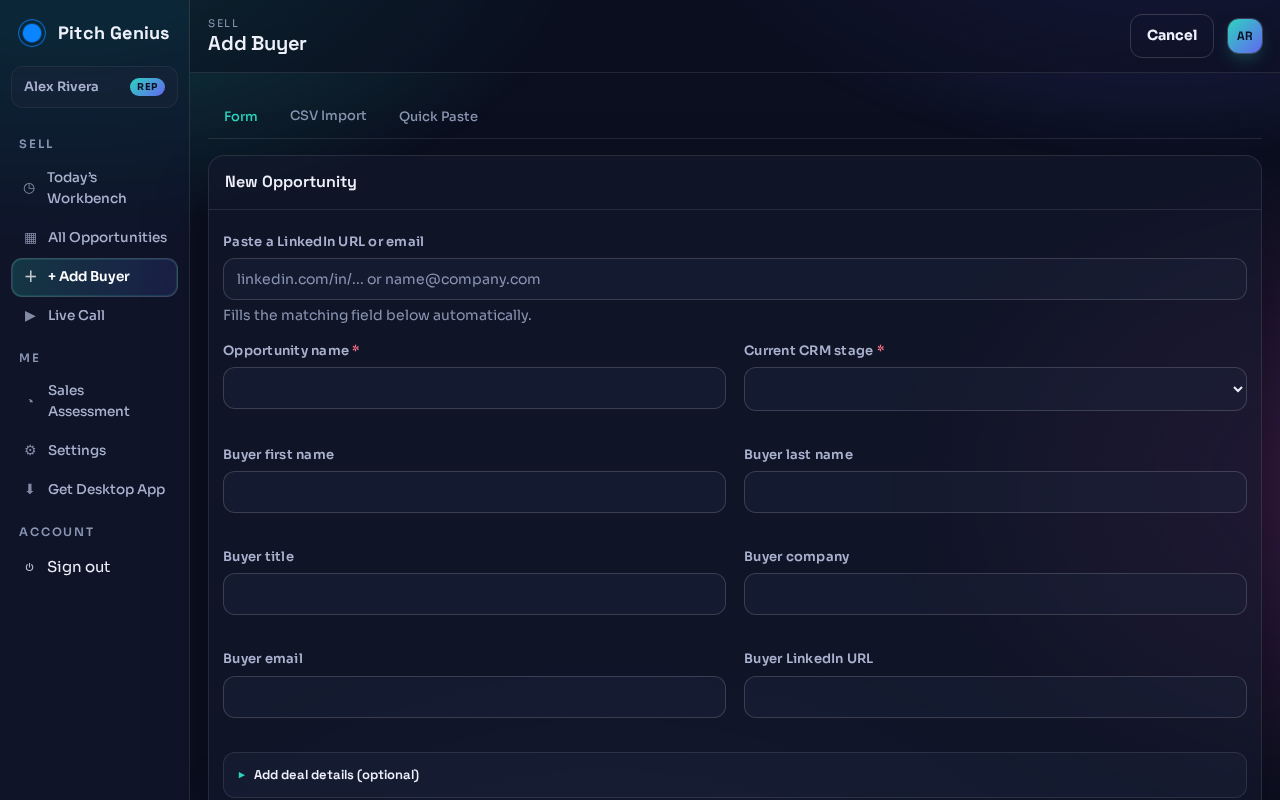
Click + Add Buyer from the sidebar or the Workbench. You get three ways in, pick the tab at the top:
- Form: fill the fields yourself.
- CSV Import: upload a list from your CRM. See Import a CRM CSV.
- Quick Paste: paste raw text (an email signature, a LinkedIn About section) and Pitch Genius extracts the fields for you.
On the Form tab:
- Paste a LinkedIn URL or email at the top, it fills the matching fields below.
- Enter the Opportunity name and pick the Current CRM stage, both required.
- Fill in the buyer's name, title, company, email, and LinkedIn URL if you have them.
- Open Add deal details (optional) for anything extra.
Next: import a CRM CSV.