Import a CRM CSV
Pitch Genius checks your CRM file before adding buyers to the Workbench. This data builds today's Workbench, ranks buyer readiness, and prepares Live Co-Pilot for each call.
Three steps:
- Check your list, upload your CSV export.
- Fix problems, Pitch Genius flags invalid rows, missing columns, duplicates, or a missing CRM ID so you can fix them before they go in.
- Add to Workbench, the clean rows become buyers.
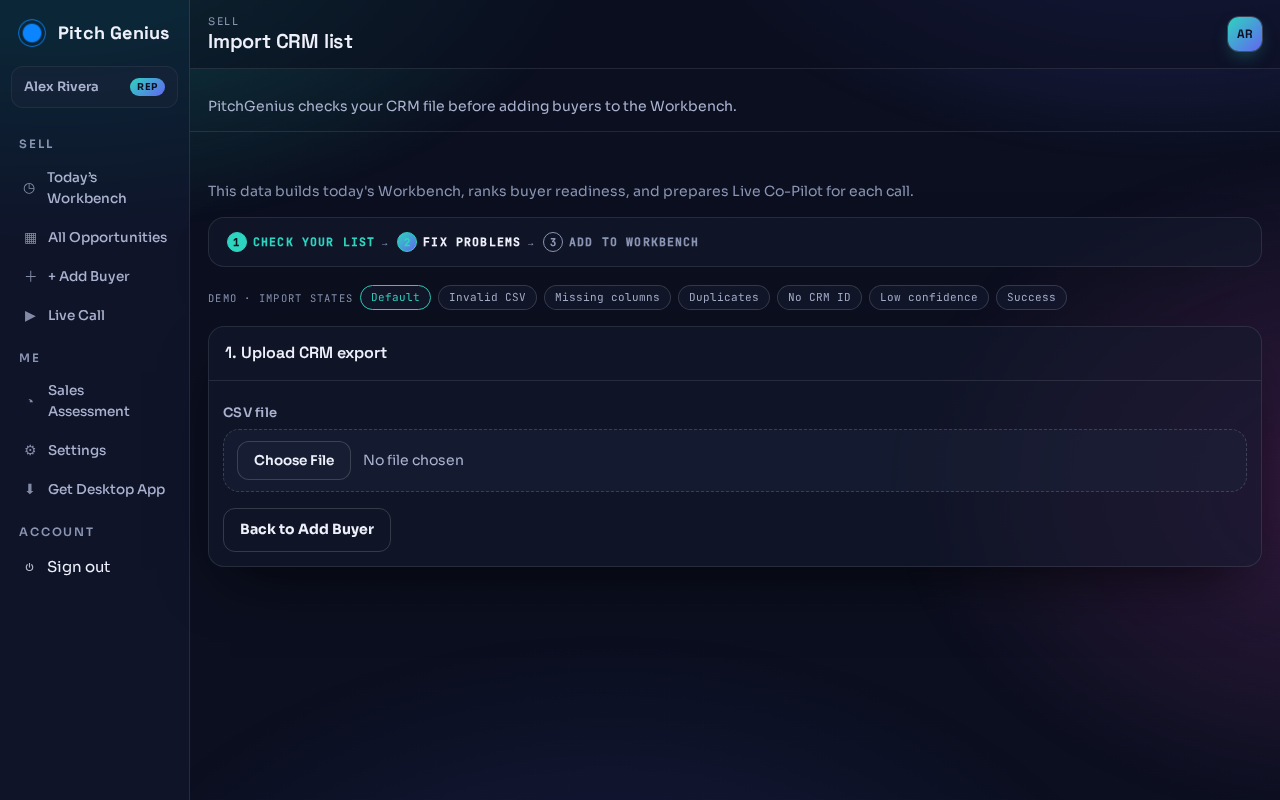
- Click Choose File and pick your CSV export.
- Fix anything flagged in step 2.
- Confirm to add the rows to your Workbench.
No CSV handy? Go back and use Add a buyer instead.