Settings
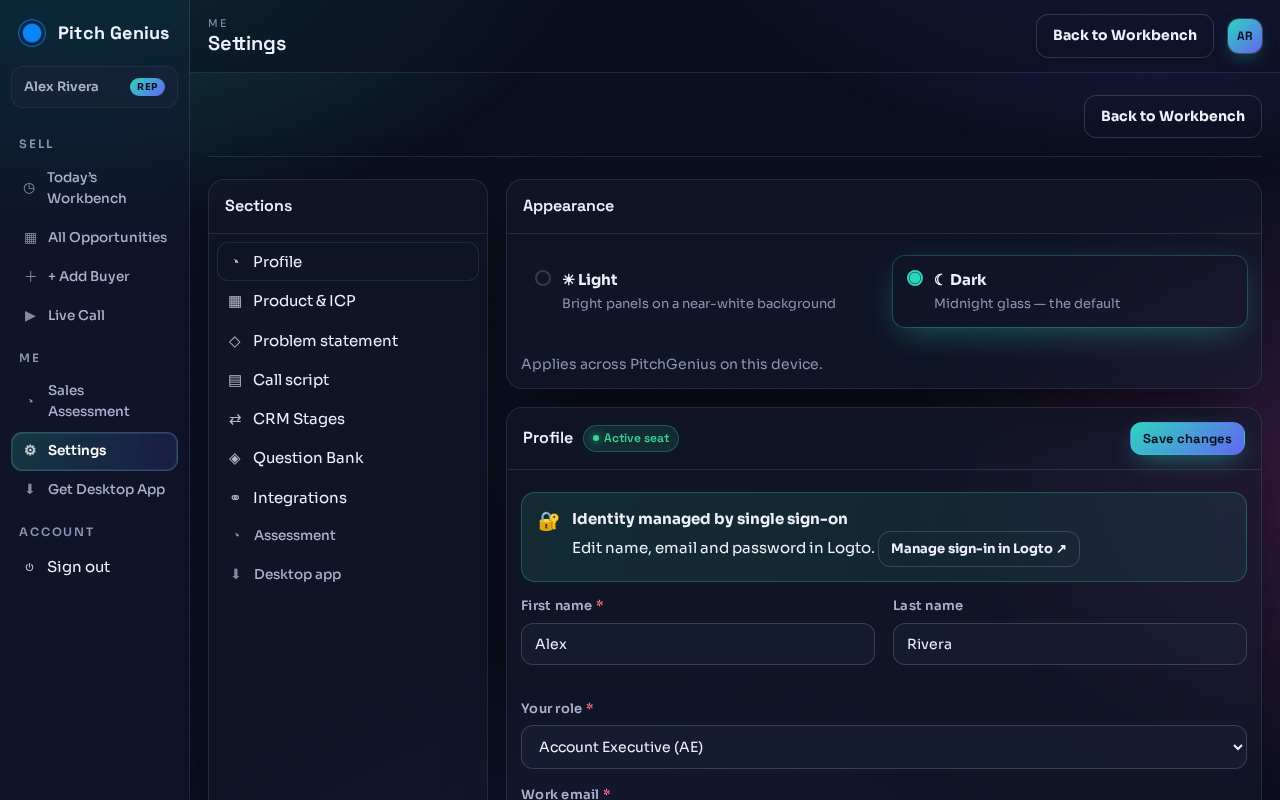
Open Settings from the sidebar. The left column lists sections: Profile, Product & ICP, Problem statement, Call script, CRM Stages, Question Bank, Integrations, Assessment, Desktop app.
Common tasks:
- Switch appearance: pick Light or Dark under Appearance. Applies across Pitch Genius on this device.
- Update your name or role: edit First name, Last name, Your role under Profile, then click Save changes.
- Change email or password: click Manage sign-in in Logto, identity is managed by single sign-on.